Free tool
Free Online Audio Trimmer
Upload an audio file, set the start and end points, and cut a short clip for previews, hooks, podcast snippets, references, or AI music prompts.
Upload an audio file to prepare a trim.
How to trim audio online
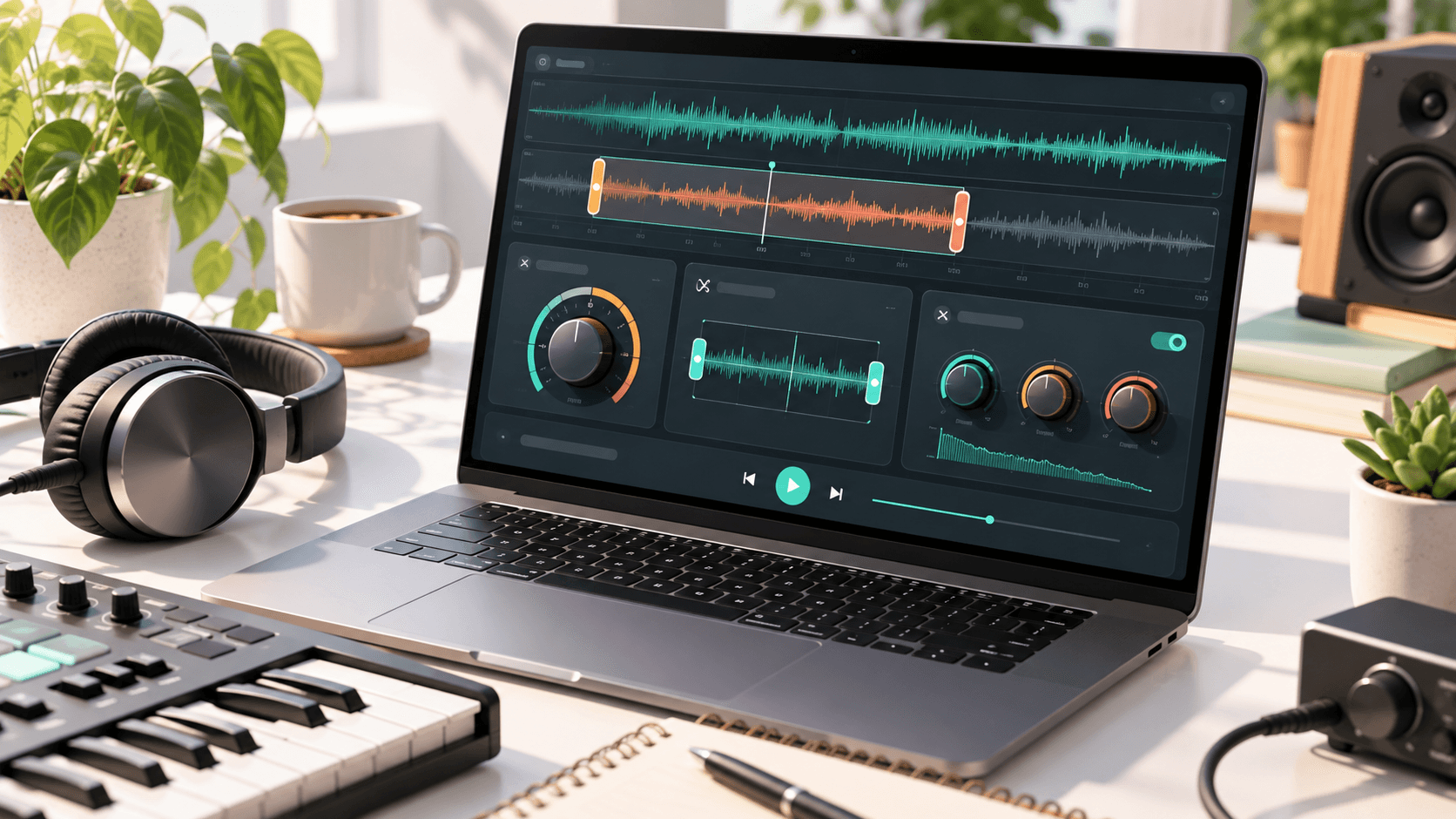
Use the audio trimmer to choose the exact section you want to keep. Play the clip, adjust the start and end points, then export the trimmed result for a cleaner intro, hook, or reference.
If you are preparing a music idea, trim the strongest section first, then use the BPM calculator to find its tempo or create a fresh version with the AI music generator.
Audio trimming ideas
| Use | Good length | Cutting tip |
|---|---|---|
| Song hook | 10-30 seconds | Start just before the vocal or main melody enters. |
| Podcast clip | 15-60 seconds | Leave a small breath before and after the quote. |
| Video intro | 3-12 seconds | Cut on a downbeat so the clip starts cleanly. |
| Reference sample | 5-20 seconds | Keep the section that shows tempo, mood, and instrumentation. |
Supported audio formats
Most browser-supported audio files work well for quick trims. Shorter clips render faster and are easier to preview before exporting.
| Format | Best for |
|---|---|
| MP3 | Small files, quick previews, social clips |
| WAV | Cleaner editing references and higher-quality exports |
| M4A | Phone recordings and compact music files |
FAQ
Can I trim MP3 and WAV files online?
Yes. The audio trimmer is designed for browser-supported formats such as MP3, WAV, M4A, and similar audio files.
Is this audio trimmer private?
The trim is prepared in your browser. Keep a local copy of anything important before closing the tab.
Can I use a trimmed clip as an AI music reference?
Yes. A short, focused clip helps you describe tempo, mood, structure, and instrumentation more clearly when creating a new song.
More free tools
Create an original AI song
Start with a prompt, generate a fresh track, then use these free tools to check tempo, trim a clip, or shape a slowed edit.
Try the AI Music Generator