Free tool
Slowed + Reverb Generator
Upload a short audio clip, slow it down, add ambience, and render a slowed reverb version in your browser.
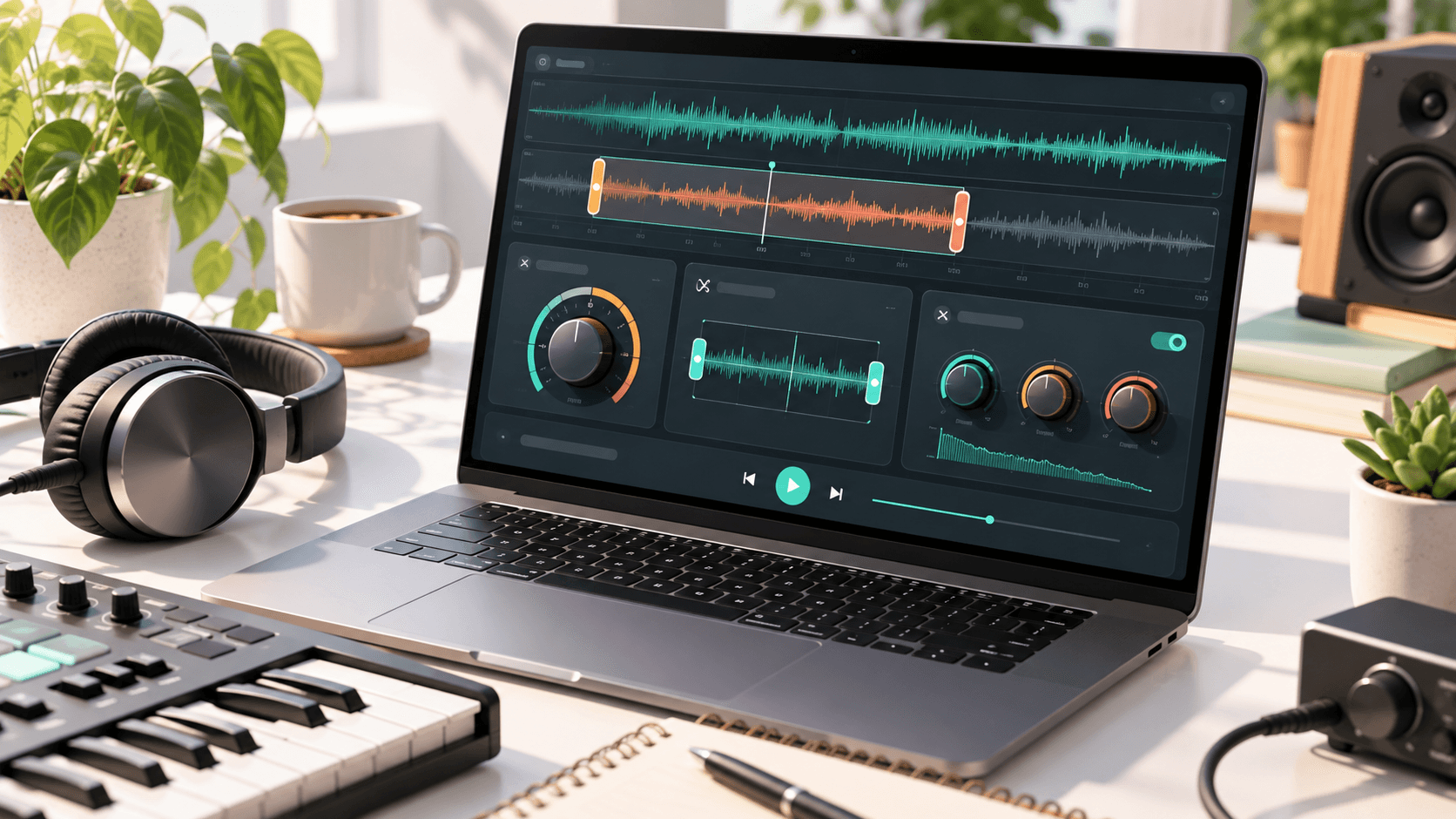
Upload audio, choose speed and ambience, then render.
How to make slowed and reverb audio online
Use the slowed reverb generator to load an audio file, lower the playback speed, then add a short echo tail. Start with a short clip, render the effect, and listen before committing to a heavier ambience setting.
A slow and reverb generator is useful for testing mood, social edits, reference previews, and atmospheric versions of a hook. If you need an original track first, create one with theAI music generator, then bring the result back here for a slowed edit.
Best speed and reverb settings
| Goal | Speed | Reverb |
|---|---|---|
| Subtle dreamy edit | 90-95% | 15-30% |
| Classic slowed reverb | 75-85% | 30-50% |
| Deep night atmosphere | 65-75% | 45-65% |
Slowed + reverb vs nightcore vs reverb only
A slowed reverb generator lowers the speed and adds space, which makes a clip feel wider and heavier. Nightcore usually does the opposite by speeding up and brightening the track. Reverb only keeps the original tempo but adds room tone, echo, or a more distant feel.
FAQ
Can I download the slowed and reverb result?
Yes. After rendering, use the download button to save the processed WAV file from your browser.
Is this slowed reverb generator private?
The effect is rendered in your browser. Keep a local copy of anything important before closing the tab.
What file types work best?
Most browser-supported audio formats work. Short WAV, MP3, M4A, and similar files are best for quick previews.
More free tools
Create an original AI song
Start with a prompt, generate a fresh track, then use these free tools to check tempo, trim a clip, or shape a slowed edit.
Try the AI Music Generator